
Private file tools that run entirely offline.
A tiny desktop app for merging PDFs, removing metadata, compressing files, and securely deleting sensitive data — without accounts, uploads, or subscriptions.
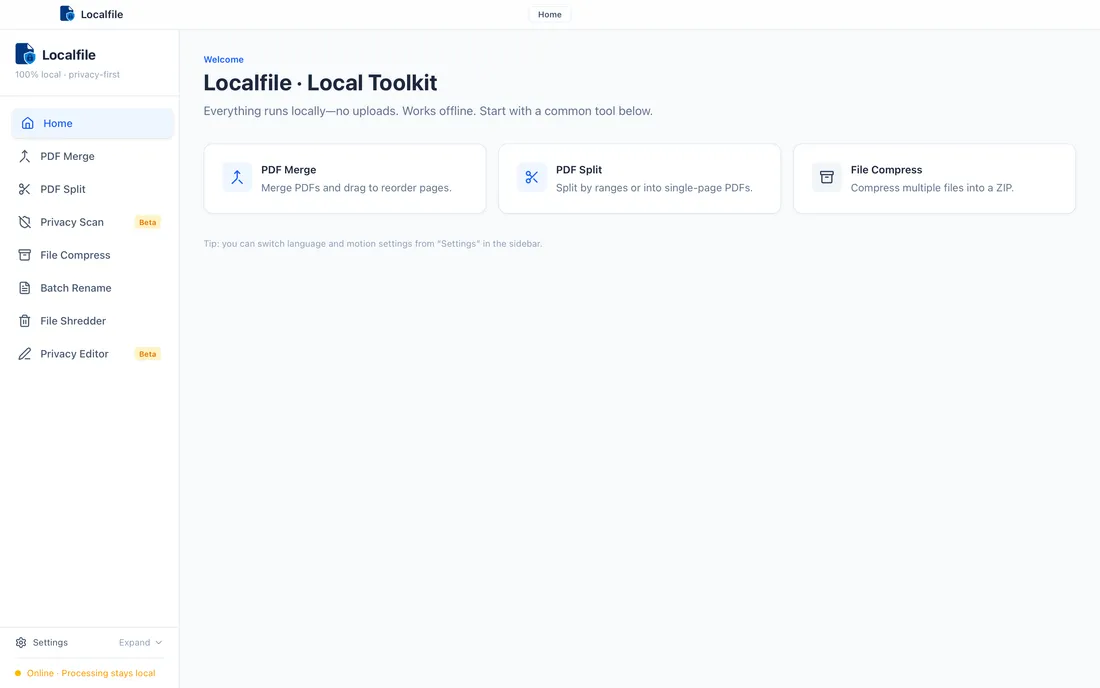
Three steps. No complexity.
Download
Choose your platform. Install. Start immediately.
Run locally
Your files stay on your machine. No uploads, no accounts, no internet required.
License (optional)
If it fits your workflow, buy a one-time key delivered by email.
Built for real workflows.
Legal teams
Strip metadata from briefs and contracts before sharing with opposing counsel.
Researchers
Merge multi-chapter PDFs and compress large datasets without cloud uploads.
Freelancers
Batch-rename deliverables and split invoices — all offline, all yours.
Privacy-conscious users
Shred sensitive files and review documents for hidden data before sharing.
Offline environments
Air-gapped machines, poor connections, or just principle — Localfile doesn't care.
See them in action.
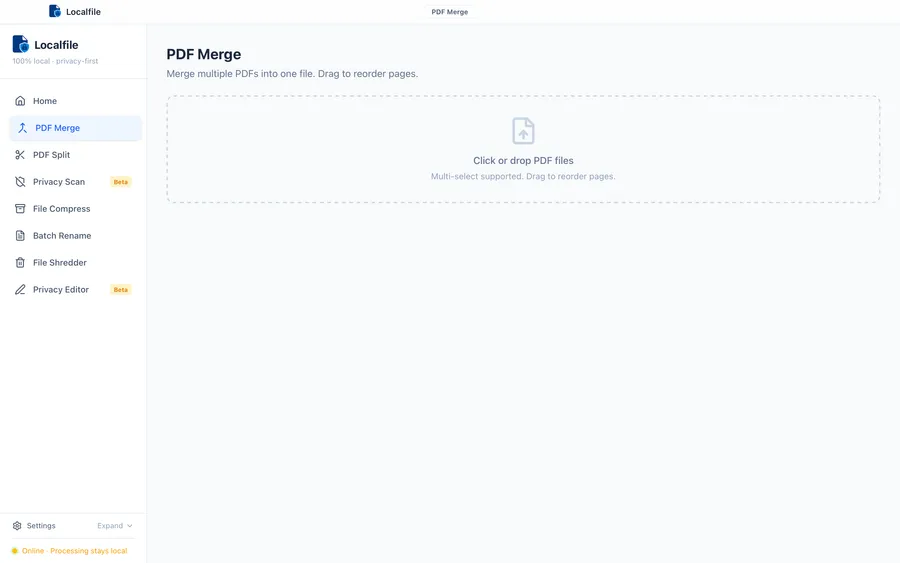
PDF Merge
Combine pages across PDFs with predictable output. Runs fully offline.
- Reorder pages before exporting
- Works without uploading files
- Designed for fast local workflows
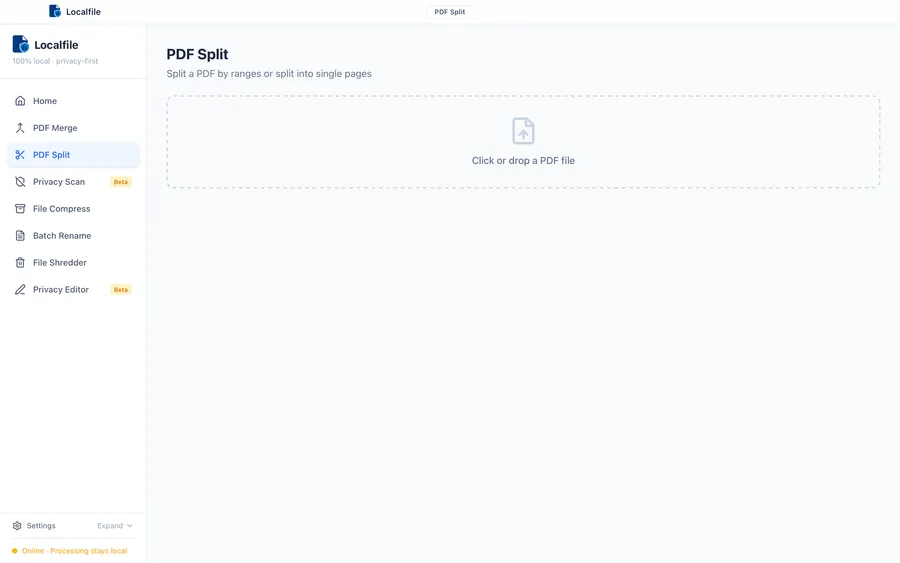
PDF Split
Split PDFs by page ranges or per page, locally on your machine.
- Split by ranges (e.g. 1–3, 4–9)
- Split per-page in one click
- No cloud processing
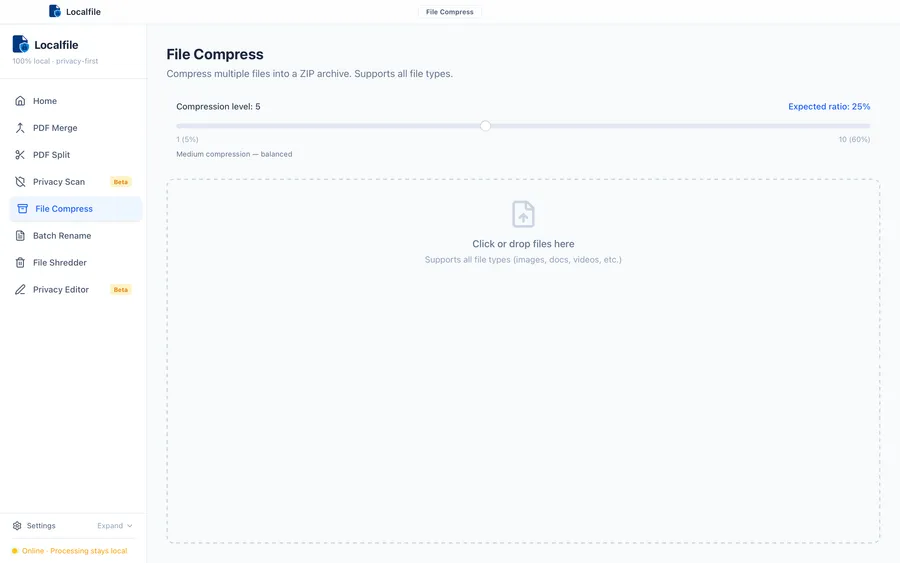
File Compress
Create ZIP archives locally. Useful for packaging files without uploads.
- Choose compression level
- Drag & drop support
- Output stays on disk
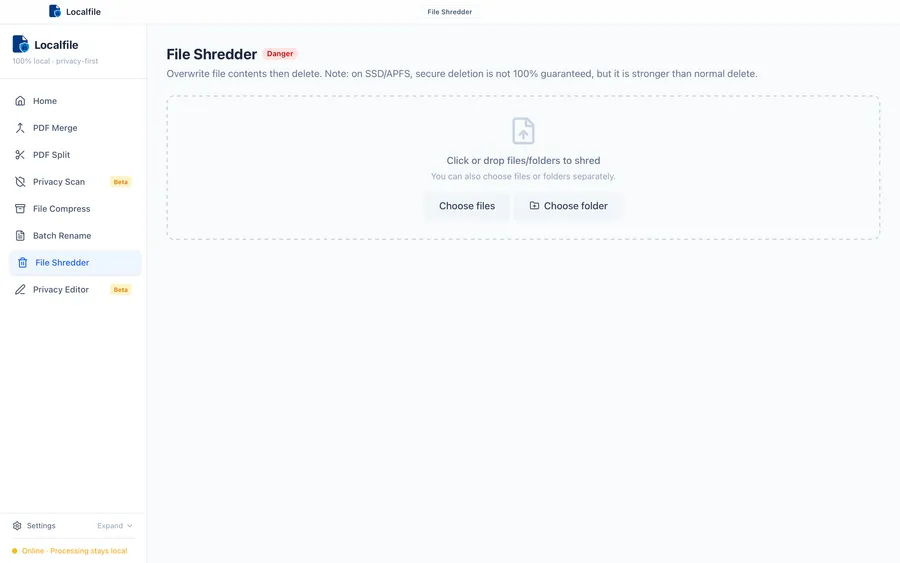
File Shredder
Overwrite then delete sensitive files locally.
- Overwrite passes (1–10)
- Folder support (recursive)
- Symlinks are skipped for safety
The difference is simple.
Without Localfile
With Localfile
Your files never leave your machine.
Localfile doesn't send your documents anywhere. There's no login, no telemetry, and no analytics. The app is designed to keep working years from now, even if we disappear.
- File shredding cannot guarantee unrecoverable deletion on SSDs or copy-on-write file systems.
- "Offline" means local processing. Purchases and support emails obviously involve third parties (Stripe/email).
- We don't claim "military-grade" anything. The point is predictable, local utilities.
Simple pricing. One time.
S$4.99 SGD one-time purchase. Try everything free for 7 days. No account required.
No cookies. No tracking.
This website uses no cookies and no analytics. Trust is built through clarity and simple defaults.
Quick answers
Is it really offline?
Yes. File processing runs locally on your machine. No uploads.
Every tool processes files using native code on your machine. There are zero network requests during file operations. You can verify by disconnecting from the internet — everything still works.
How does licensing work?
After purchase, you receive a license key by email. Paste it into the app to unlock.
Buy once, use forever. Your license key is delivered instantly via email. Enter it in the app's settings to unlock all tools. No account creation, no recurring charges, no expiration.
Any subscriptions?
No. Localfile is a one-time purchase.
We believe tools should be owned, not rented. Pay once and the app is yours. Future updates within the same major version are included at no extra cost.
Available for macOS
Native performance. No Electron bloat. One download, runs forever.
Download for macOS